
The best invoicing software for most freelancers is one that balances simplicity with essential features like recurring billing, payment processing, and expense tracking. Based on historical market analysis and user feedback, Wave, FreshBooks, and Zoho Invoice have consistently ranked among the top choices, with Wave standing out for budget-conscious freelancers since it offers free invoicing with no monthly subscription. FreshBooks has traditionally appealed to freelancers who want a polished, user-friendly experience and don’t mind paying for it, while Zoho Invoice tends to attract those already using other Zoho products or seeking strong automation features. A graphic designer working with five to ten clients monthly, for instance, might find Wave sufficient for sending branded invoices and accepting credit card payments, paying only the transaction fees when clients pay online.
However, if that same designer grows to juggle twenty clients with retainer agreements, recurring invoices, and time tracking needs, FreshBooks or HoneyBook might justify their monthly cost through saved administrative hours. This article covers what features actually matter for freelance invoicing, how to evaluate pricing structures, common pitfalls when choosing software, and practical guidance for transitioning between platforms as your business evolves. The invoicing software market changes frequently, with providers adjusting pricing, adding features, and occasionally discontinuing products. The information below reflects general patterns observed in the industry, but you should verify current pricing and feature availability directly with any provider before committing.
Table of Contents
- What Makes Invoicing Software Essential for Freelancers?
- Comparing Free Versus Paid Invoicing Platforms
- Understanding Payment Processing Integration
- Evaluating Time Tracking and Project Management Features
- Handling Recurring Invoices and Subscriptions
- Managing Multi-Currency and International Clients
- Tax Preparation and Financial Reporting
- Making the Transition Between Platforms
- Conclusion
What Makes Invoicing Software Essential for Freelancers?
Freelancers often underestimate how much time manual invoicing consumes until they track it. Creating invoices in Word or Google Docs, manually sending emails, following up on late payments, and reconciling what’s been paid requires hours each month that dedicated software can reduce to minutes. The compounding effect matters: a freelancer billing fifteen clients monthly who spends twenty minutes per invoice is losing five hours to administrative work that software could largely automate. Beyond time savings, invoicing software provides professional credibility that hand-crafted documents struggle to match.
Clients receiving invoices through professional platforms see consistent branding, clear payment instructions, and easy online payment options. A copywriter who switched from PDF invoices attached to emails to a platform with a client portal reported that average payment time dropped from eighteen days to seven simply because clients could click a button to pay rather than mailing checks or initiating bank transfers. The record-keeping benefit also matters significantly at tax time. Proper invoicing software maintains searchable archives, generates income reports by client or date range, and exports data in formats accountants can use. Freelancers who rely on email searches and bank statement reviews to reconstruct their year often miss deductions or miscategorize income, problems that compound when facing an audit.

Comparing Free Versus Paid Invoicing Platforms
Wave has historically offered genuinely free invoicing with no client limits, no invoice caps, and no feature restrictions on the core billing functionality. The company monetizes through payment processing fees and payroll services rather than subscriptions. For freelancers with straightforward needs””send invoices, accept payments, track what’s outstanding””this model can work indefinitely without ever upgrading to a paid tier. FreshBooks, QuickBooks Self-Employed, and similar paid platforms typically charge monthly fees that scale with feature access or client counts.
Their value proposition rests on additional capabilities: more sophisticated time tracking, project management integrations, detailed reporting, and priority customer support. A web developer managing complex projects with milestone billing, time-and-materials components, and retainer agreements might find these advanced features justify the cost through reduced errors and better client communication. However, if your freelance work follows a simple pattern””fixed-price projects, invoiced upon completion, with minimal ongoing expenses””paid software may offer features you’ll never use. The limitation to watch for with free platforms involves payment processing: Wave and similar free tools earn revenue when clients pay online, so their payment processing fees may exceed what you’d pay with a standalone processor like Stripe or Square connected to a paid invoicing platform. Calculate your monthly payment volume before assuming free means cheaper.
Understanding Payment Processing Integration
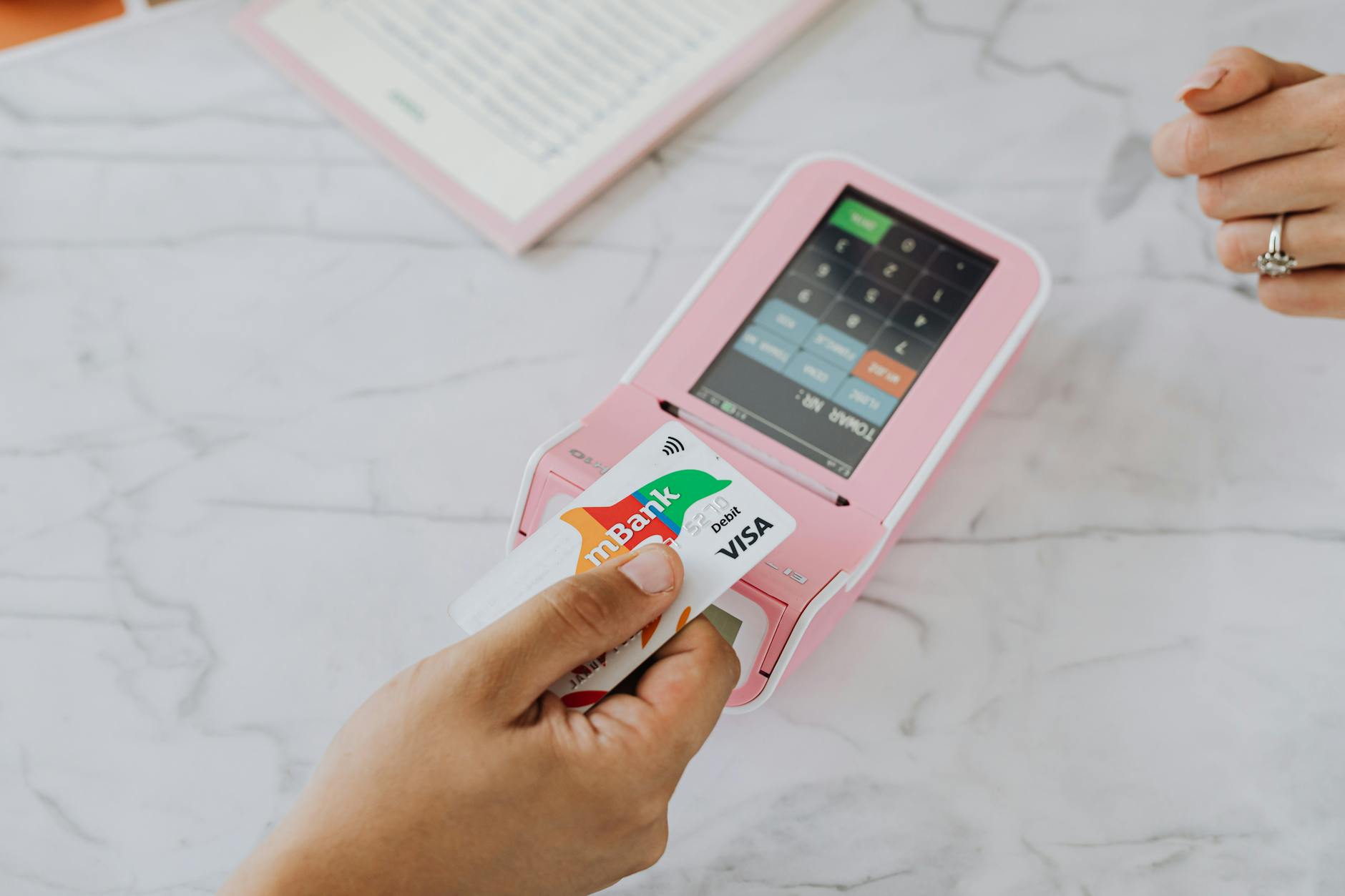
Most modern invoicing software integrates payment processing directly, allowing clients to pay by credit card, debit card, or bank transfer through links embedded in invoices. This convenience typically increases payment speed but introduces processing fees that range roughly from 2.5% to 3.5% for card payments and lower percentages for bank transfers. A freelancer billing $8,000 monthly might pay $200-280 in processing fees, a meaningful expense that should factor into rate calculations. The processing fee structures vary by provider and may include per-transaction flat fees in addition to percentages.
For freelancers sending many small invoices, the flat fee component matters more; for those sending fewer large invoices, the percentage dominates. Some platforms allow connecting external payment processors, potentially reducing fees for high-volume users who qualify for better rates. A specific example illustrates the tradeoff: an illustrator sending forty $200 invoices monthly faces different economics than a consultant sending four $2,000 invoices monthly, even though both bill $8,000. If the processing fee includes a $0.30 per-transaction component, the illustrator pays $12 in flat fees while the consultant pays $1.20. Over a year, that $130 difference covers the cost of a month or two of a paid invoicing platform that might offer lower processing rates.
Evaluating Time Tracking and Project Management Features
Several invoicing platforms bundle time tracking capabilities, allowing freelancers to log hours and convert tracked time directly into invoices. Toggl Track, Harvest, and FreshBooks all offer this workflow, eliminating the manual transcription that causes billing errors. For hourly-rate freelancers, this integration can prevent the “forgot to bill for that call” problem that silently erodes income. Project management features in invoicing software tend to be lighter than dedicated tools like Asana or Notion but sufficient for client-facing work organization.
You might see task lists, file sharing, client portals for viewing project status, and messaging features. These appeal to freelancers who want a single platform rather than separate tools for managing work and billing for it. The warning here involves overconsolidation. Invoicing software with project management features rarely matches the sophistication of dedicated project management tools, and trying to force complex workflows into inadequate systems creates friction. A freelance marketing consultant managing multi-month campaigns with multiple stakeholders might find that Harvest’s project features suffice, but a freelance software developer running agile sprints would likely frustrate themselves attempting the same in basic invoicing software.
Handling Recurring Invoices and Subscriptions
Freelancers with retainer clients, ongoing maintenance contracts, or subscription-based services need robust recurring invoice capabilities. The basic version simply sends the same invoice on a schedule””monthly retainer on the first, hosting renewal annually. More sophisticated implementations allow for automatic payment charging, proration for mid-cycle changes, and automatic reminders before renewal. Most mid-tier invoicing platforms handle simple recurring invoices well.
The differences emerge in edge cases: Can you easily pause a recurring invoice for a client taking a two-month break? Can you adjust the amount for one cycle without disrupting the recurring schedule? Can you set different payment terms for the recurring invoice than your standard terms? Testing these scenarios during free trials prevents discovering limitations after you’ve committed. FreshBooks and Zoho Invoice have traditionally offered strong recurring invoice features, while Wave’s recurring capabilities were historically more basic. However, feature sets evolve, and what was limited a year ago may have improved. A translation agency owner with forty retainer clients learned this lesson by choosing software based on outdated reviews, then spending a weekend migrating when the promised recurring invoice features didn’t match current reality.

Managing Multi-Currency and International Clients
Freelancers working with international clients encounter currency complexity that not all invoicing software handles gracefully. The basic need involves invoicing in the client’s currency while tracking income in your home currency for tax purposes. More complex scenarios include accepting payments in multiple currencies, converting between currencies at reasonable exchange rates, and handling clients who prefer paying in their currency despite being invoiced in yours. Wave, FreshBooks, and Zoho Invoice all support multi-currency invoicing to varying degrees, but the implementation details matter. Some platforms allow setting currency per client and automatically use it for new invoices; others require manual currency selection each time.
Exchange rate sources vary, with some platforms using rates that favor them on conversions. The specific limitation to investigate involves payment processing for non-domestic currencies. A U.S. freelancer invoicing a German client in euros might find that their invoicing platform accepts euro payments but converts to dollars at an unfavorable rate before depositing. The actual cost depends on the platform’s currency conversion margins, which may not be prominently disclosed.
Tax Preparation and Financial Reporting
Come tax season, freelancers either appreciate their invoicing software or regret their choice. Good platforms generate profit and loss statements, categorize income by client or project type, export data in formats compatible with tax software, and maintain the documentation needed if questions arise later. Basic platforms might only show total invoiced amounts, leaving the work of expense categorization and income verification to you. The integration with accounting software matters for freelancers with complex finances.
If you use QuickBooks for full accounting, QuickBooks Self-Employed for invoicing creates seamless data flow. Using FreshBooks for invoicing but a different accounting system introduces export and import steps that may require manual reconciliation. A freelance photographer discovered this distinction when attempting to prepare taxes after a year using invoicing software that tracked income but not categorized expenses. Reconstructing business expense categories from bank statements took eight hours that proper software would have saved, plus the uncertainty of possibly missing deductible expenses.
Making the Transition Between Platforms
Switching invoicing software mid-stream creates short-term disruption for long-term benefit, but timing and planning matter. The cleanest transitions happen at natural business boundaries: the start of a new year, after completing current projects, or when finishing a major client engagement. Migrating while invoices are outstanding means maintaining two systems until everything closes out. Most platforms offer data import capabilities, but the reality often disappoints.
Client lists usually transfer cleanly, but invoice history, payment records, and custom settings may require manual recreation. Before committing to a switch, test the import process with sample data to understand what actually transfers versus what you’ll need to rebuild. The comparison that matters most involves your time versus the software’s cost. A freelancer spending three hours monthly on workarounds for software limitations might justify switching to a platform that costs $15 more monthly””that’s essentially paying $5 per hour to do administrative work. Conversely, switching platforms to save $10 monthly while losing twenty hours to migration and relearning represents poor economics.
Conclusion
Choosing invoicing software as a freelancer means matching your actual billing patterns, client types, and growth trajectory to available tools rather than selecting based on feature lists you’ll never use. Wave remains a sensible starting point for new freelancers and those with straightforward needs, while FreshBooks, Zoho Invoice, and similar paid platforms earn their cost when time tracking, advanced automation, or sophisticated reporting justify the investment. The recurring theme across all options involves calculating total cost of ownership: subscription fees plus payment processing fees plus the value of your time spent on workarounds.
Start with a free trial of any platform you’re considering, but test it with real invoicing scenarios rather than artificial examples. Send yourself test invoices, process test payments, set up recurring invoices, and export reports. The ten hours invested in proper evaluation prevents the fifty hours you’d spend migrating away from a poor choice six months later. As your freelance business evolves, revisit your invoicing setup annually to ensure the tool still fits””what worked when you had five clients may constrain you at fifty.